 AB
AB
👋 Hey fellow cyclists! Are you tired of the same old loop? Do you spend your Friday nights meticulously plotting GPX files, only to end up missing that incredible local bakery or that fascinating hidden historical marker? I hear you. As a cyclist, coffee fiend, and history buff, my perfect weekend ride isn't just about the miles; it's about the experience—the perfect blend of fitness, culture, and, let's be honest, caffeine.
In the past, designing a perfect, multi-stop, 50-mile loop felt like an Olympic event in map-reading. But guess what? We’re living in the future! The best route-plotting tool isn't a map or an app—it's Artificial Intelligence.
AI is brilliant at synthesizing complex, human-centric requests. It can take your fitness goal (50 miles), your cultural interests (history and museums), and your deepest desire (delicious coffee) and spit out a highly specific, tailor-made route that’s miles better than a generic cycling app could ever produce. Let’s dive into how to use a clever AI prompt to design your new favorite weekend ride, using my perfect San Antonio, Texas route as a fun example!
🗺️ The AI-Generated Route: A San Antonio Example
To show you what's possible, I recently used AI to create a spectacular 50-mile loop starting in the historic Terrell Hills neighborhood of San Antonio. My goal was a moderately challenging route that hit some major historical markers and included a top-rated local coffee shop.
The AI delivered a fantastic 51-mile loop (close enough!) with about 1,500 feet of elevation gain, which is decent for a south Texas ride. Here’s a quick overview of what the AI produced:
🚴 Key Stops on the AI-Designed Loop:
- Start/Finish: Terrell Hills, TX
- Stop 1 (Mile 15 - The Museum Fix): The Witte Museum, located on the beautiful Museum Reach of the San Antonio River Walk. This stop allows for a quick, culturally-rich detour to see exhibits on Texas history and natural science.
- Stop 2 (Mile 30 - The Caffeine Kick): Local Coffee Founders, a highly-rated, centrally-located stop perfect for refuelling before the final push home.
- Historical Highlight: The route wove in portions of the San Antonio Mission Trail, allowing me to cycle past Missions Concepción and San José—UNESCO World Heritage sites!
The genius of the AI is that it didn't just plot A to B. It plotted A to B to C, incorporating my interests, prioritizing bike-friendly streets, and keeping the total mileage on target. Now, let’s talk about how *you* can prompt a large language model (like the one I'm using now) to create your own personalized masterpiece.
🤖 Crafting the Perfect AI Prompt for Cyclists
Think of the AI as your personal, highly-informed cycling concierge. The more detail you give it, the better the experience it will build. A vague request gets you a generic highway ride. A detailed, structured request gets you an adventure!
📝 The Master Prompt Template: Copy, Paste, & Personalize
Use the following template and replace the bracketed information with your own location and preferences. This is the recipe for success:
“Act as an expert local cycling route planner. I am a [CYCLING DIFFICULTY: e.g., intermediate, advanced, casual] cyclist looking for a [TARGET RIDE LENGTH: e.g., 50-mile, 80-kilometer] loop ride starting and ending at [STARTING CITY/NEIGHBORHOOD: e.g., Downtown Austin, North Beach San Francisco] on a Saturday morning.
The route must be a loop and should prioritize scenic roads, dedicated bike lanes, and minimize time spent on high-traffic roads or dangerous shoulders. The total elevation gain should be [ELEVATION GOAL/DIFFICULTY: e.g., moderate (under 1500 ft), challenging (2500+ ft), or flat].
The ride must include two mandatory stops:
- One stop around the 15-20 mile mark at a highly-rated, independent coffee shop (must offer espresso drinks and pastries).
- One stop around the 30-35 mile mark at a local historical landmark or unique museum that is easy to access and secure a bicycle at.
Please provide:
- The total mileage and estimated elevation gain.
- The name and address of the two stops.
- A detailed, turn-by-turn route description, referencing major streets and landmarks.
- A brief paragraph describing the difficulty and scenery, including tips on the best time to start.
⚙️ Customizing the Ride: Variables and Vistas
The real magic of the AI prompt is how easily you can adjust the variables to meet your specific goals. You’re not just getting a route; you’re getting a training plan with cultural benefits.
1. 🎯 Adjusting the Difficulty and Distance
Are you training for a century ride? Or are you just looking for a leisurely morning spin? Your choice of words drastically changes the AI's output.
- Distance Variations: Change the "50-mile loop" to a "75-mile loop" or a "40-mile out-and-back" to suit your weekly mileage goals.
- Elevation Gain: This is a game-changer. Asking for "challenging elevation (2,500+ feet)" forces the AI to seek out the steepest climbs in the region. Asking for a "flat route (under 500 feet)" will keep you in the river valleys or coastal areas.
- Surface Type: If you ride a gravel bike, add: "Prioritize incorporating 5-10 miles of smooth, well-maintained gravel or dirt road sections." The AI will often know where the local dirt roads intersect with the paved routes.
Funny Side Note: Once, I asked for a *very* challenging route near the Appalachians and the AI suggested a 15% grade climb named "The Wall." I realized the AI takes "challenging" literally. Always check the suggested elevation profile before you head out!
2. ☕ Refining Your Stops: The Culture and Caffeine Quotient
This is where your inner tourist shines. The AI is a vast database of local knowledge, so leverage it to find hidden gems.
Museums, History, and Sightseeing:
Don't just say "museum." Get specific!
- For the Art Lover: "Stop at a contemporary art gallery with outdoor sculpture garden for easy bike access."
- For the History Buff: "Stop at a pre-Civil War historical marker or a site listed on the National Register of Historic Places."
- For the Tourist: "Stop near a famous scenic overlook or a distinctive local bridge/architectural landmark."
The Coffee Connoisseur's Clause:
A good coffee shop stop is the heart of any weekend ride. Don't settle for a chain! Be demanding:
- "The coffee shop must be an independent, locally-owned roastery."
- "It must have outdoor seating and bike racks."
- "It must be known for its nitro cold brew or single-origin pour-overs."
By using these details, you transform a generic coffee break into a curated local experience—the perfect mid-ride reward!
🚦 Safety and Execution: From Prompt to Pavement
An AI can build the route, but you still have to ride it. Technology is fantastic, but it's not a substitute for due diligence. Here are a few final, instructive tips for a flawless weekend adventure.
1. 📱 Pre-Ride Verification and GPX Export
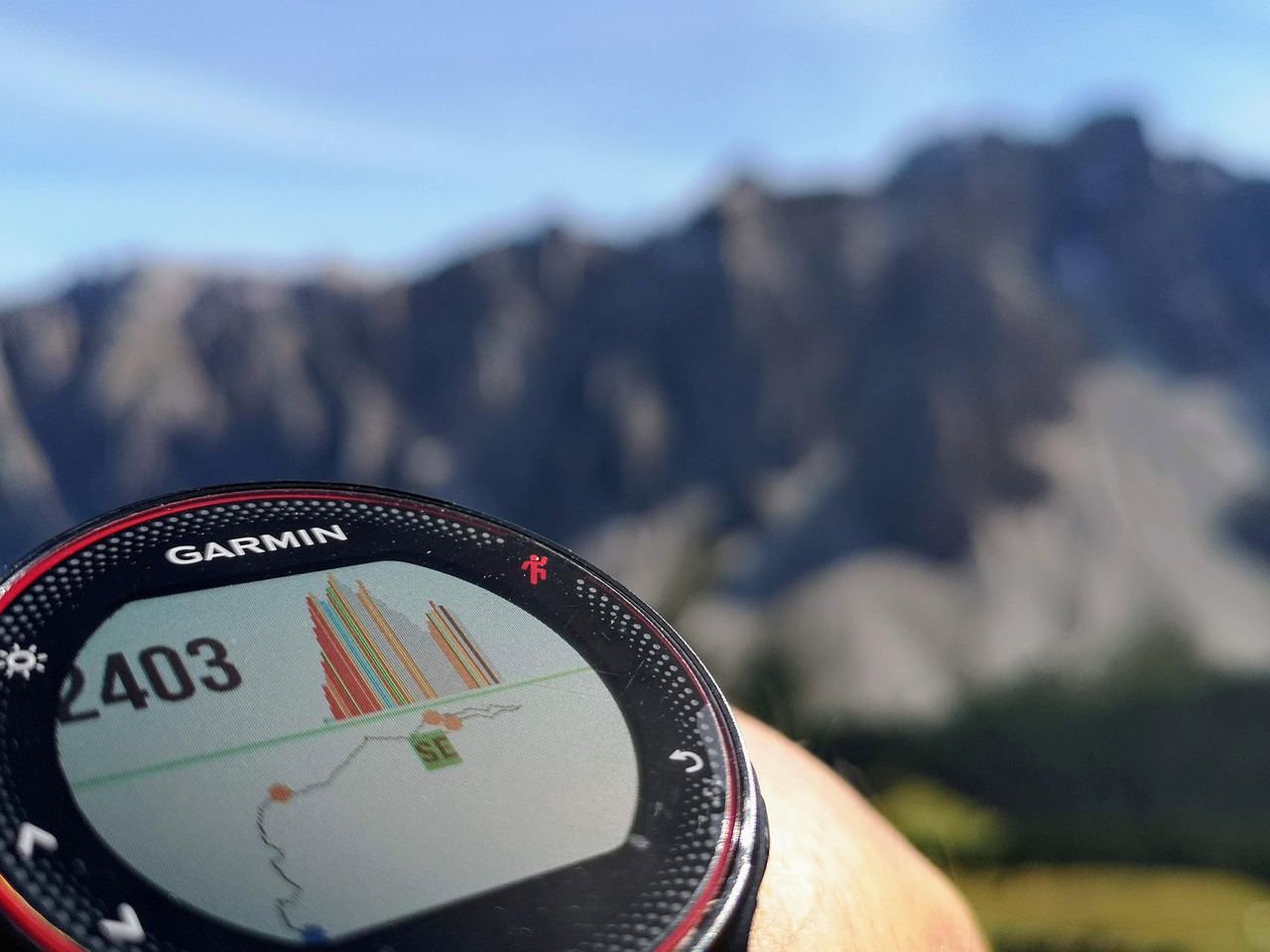
AI gives you the turn-by-turn directions, but you must convert them into a navigable format. Use a separate cycling app (like Strava or Ride with GPS) and manually input the key waypoints (your stops and major street turns) to generate a GPX file. This allows you to check the road quality and satellite imagery for those questionable stretches the AI suggests. Always download the route to your bike computer or phone for offline navigation before you leave, as cell service can be spotty, especially on scenic country roads.
2. ⏱️ The Perfect Timing Strategy
The AI will suggest the best time to start, but here’s the rule of thumb for weekend warriors:
- Summer: Start before 7:00 AM. This lets you cover 30-35 miles before the heat truly hits and before local traffic starts building up around the coffee shops.
- Fall/Spring: Start around 8:00 AM. The cooler air and softer light make the initial miles a dream.
The last thing you want is to be climbing a huge hill at noon in July. Time your ride so your second stop—the museum or landmark—is around 11:00 AM, just as you're cooling down, and you can coast home refreshed.
3. 💡 Be a Tourist on a Bike
The whole point of this AI-guided experience is to slow down and enjoy the journey. Don't just ride *past* the landmark; stop and engage.
- Take the 15 minutes to read the historical plaque.
- Snap a photo of the local art or architecture.
- Lock up your bike (securely!) and take a few minutes inside the coffee shop—don’t just grab-and-go.
This transforms your "training ride" into a fulfilling, memorable cultural tour that you’ll be talking about for weeks. It makes the 50 miles feel effortless, and you arrive home not just tired, but genuinely enriched.
🎉 Conclusion: Your Next Adventure is a Prompt Away
The era of staring blankly at a map, trying to connect dots of interest, is over. AI has become the ultimate tool for the modern, multi-faceted cyclist—the one who values a challenging workout as much as a well-pulled espresso and a good story.
By using a detailed, well-crafted prompt, you can transform your routine weekend ride into a highly personalized, culturally immersive experience. You get the miles in, you get the delicious coffee, and you get a little local history thrown in for good measure. So, go ahead. Open your favorite AI model, copy the master prompt, fill in your details, and prepare for your best Saturday morning yet. See you on the road!